iMobie Launches FocuSee 2.4, Bringing More Post-Production Automation to Screen Recording
FocuSee 2.4 adds background audio, subtitle editing, speed-up and auto zoom for typing sequences, and webcam beauty
Press Release Disclaimer: This is a press release distributed through the XPR Media network. It has not been independently verified by our newsroom.
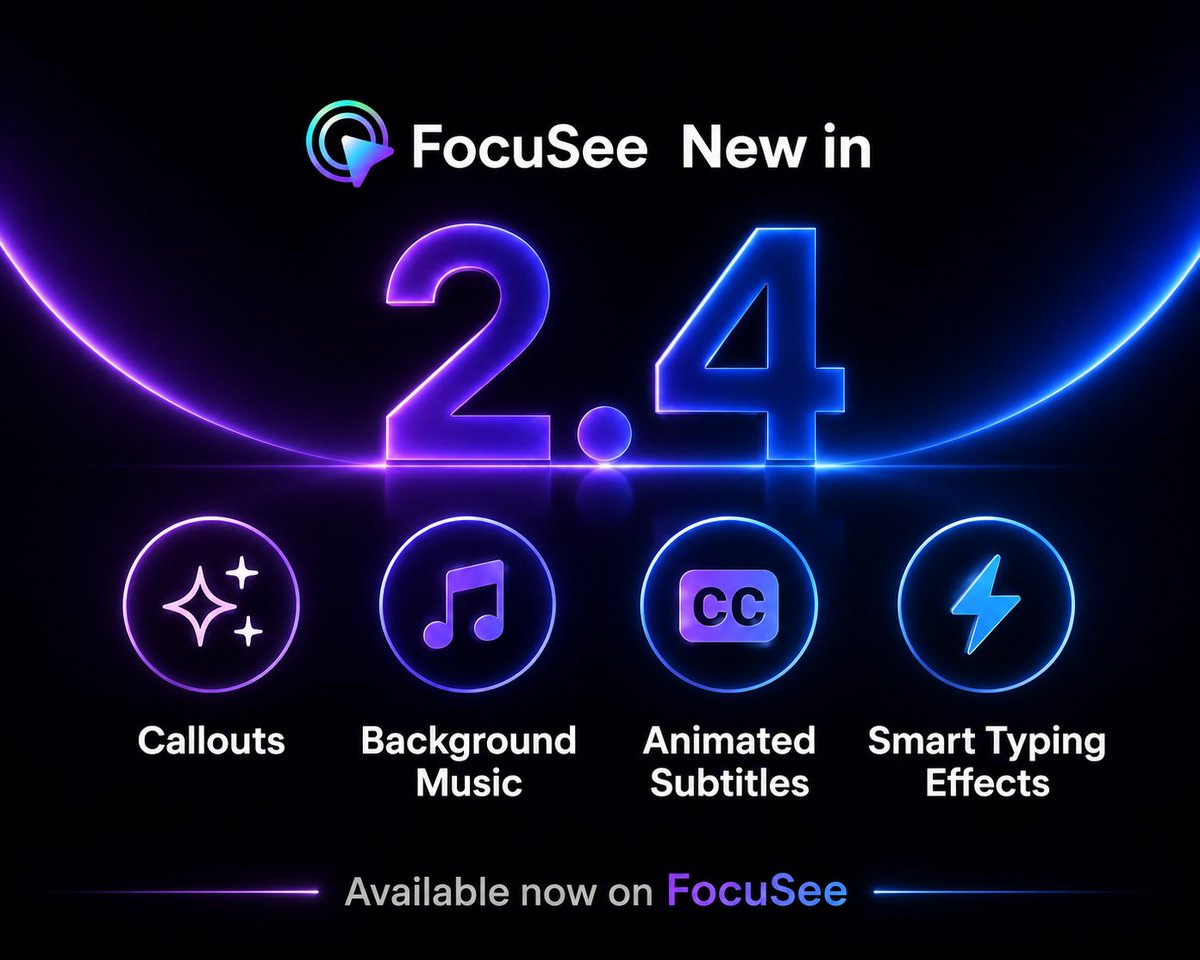

FocuSee 2.4 adds background audio, subtitle editing, speed-up and auto zoom for typing sequences, and webcam beauty tools for a more complete editing workflow.
LOS ANGELES, CA, UNITED STATES, August 14, 2026 /EINPresswire.com/ — iMobie Inc. announced the release of FocuSee 2.4 for macOS and Windows, further extending FocuSee’s automation beyond visual enhancement to cover more of the post-recording workflow. The update introduces background audio support, enhanced subtitle editing, automatic typing detection with one-click speed-up and optional auto zoom, and webcam beauty effects. With this release, FocuSee automates more of the work that follows screen recording, helping users move from raw capture to a clear, polished, ready-to-share video in fewer steps.
From Screen Recording to a Ready-to-Share Video
FocuSee has primarily focused on automating the visual enhancement of screen recordings. Features such as automatic zoom, cursor effects, background enhancement, and camera layouts help refine visual details.
FocuSee 2.4 expands that automation beyond visual enhancement into a more complete post-production workflow. Users can complete more of the post-recording process in one place, moving from raw capture to a finished, ready-to-share video with fewer tools, fewer steps, and less manual work.
“We believe the ability to communicate clearly through video should not depend on production expertise or hours of post-production,” said Frank Kong, CEO of iMobie. “Our mission with FocuSee is to make high-quality screen video creation effortless by automating the work that happens after recording. With FocuSee 2.4, we are moving closer to a future where users can focus on the ideas they want to share, while FocuSee handles more of the production work for them.”
What’s New in FocuSee 2.4?
Producing a finished screen video usually involves several layers of editing. The screen must be framed clearly, important actions need to be highlighted, subtitles must be readable, slow sections need to be adjusted, and audio and webcam footage must fit the final presentation. The new release adds further support across four key areas:
Sound: Add preset background music or import local audio with simple editing controls. This helps recordings feel more complete without requiring a separate audio editor.
Clarity: Choose subtitle templates and refine the text, timing, layout, and style, with support for importing SRT files. This gives creators greater control over how spoken content is presented.
Pacing: FocuSee identifies typing sequences and lets users speed up individual detected sections or all of them at once. This creates a tighter pace while reducing repetitive manual editing. An optional zoom effect for typing sequences keeps important input visible and helps viewers focus on key information.
Presentation: Webcam beauty effects help presenters achieve a better on-camera appearance without separate webcam software.
FocuSee 2.4 also introduces a new Callout annotation and several workflow improvements, including optimized full-screen recording settings and remembered zoom-speed preferences.
Rather than functioning as isolated additions, the new features integrate with FocuSee’s existing editing tools and automated workflow. This allows users to begin with a raw recording and finish with content that is visually structured, easier to follow, and ready to share.
Adapting Screen Recordings for Different Use Cases
Different types of screen videos place different demands on the editing process.
Tutorials need clear steps, readable subtitles, and focused visuals. Product demos require purposeful pacing and a polished presentation. Social media videos benefit from stronger captions, sound, and visual energy, while client-facing presentations need to feel structured and professional.
By combining automatic visual enhancement with a broader set of post-production tools, FocuSee 2.4 helps users adapt screen recordings for each of these scenarios without rebuilding the video across multiple applications.
The result is a smoother path from capture to completed content: users record their screen, FocuSee automates more of the finishing work, and the final video is ready for use in tutorials, demonstrations, promotional content, or presentations.
Availability
FocuSee 2.4 is now available for both macOS and Windows.
To support students, educators, and anyone creating video assignments, tutorials, project demos, or presentations for the new semester, FocuSee is offering 35% off the first year of Standard and Advanced Yearly plans from August 10 through August 23, 2026. The discount is applied automatically at checkout, with no student or educator verification required.
Users can download the latest version, explore the Back-to-School promotion, or view pricing information at:
https://focusee.imobie.com/
About iMobie
iMobie Inc. is an advanced software developer dedicated to making digital life simpler for users worldwide. For more information, visit:
https://www.imobie.com/
Blanca
iMobie Inc.
focusee@imobie.com
Visit us on social media:
LinkedIn
YouTube
X
Legal Disclaimer:
EIN Presswire provides this news content “as is” without warranty of any kind. We do not accept any responsibility or liability
for the accuracy, content, images, videos, licenses, completeness, legality, or reliability of the information contained in this
article. If you have any complaints or copyright issues related to this article, kindly contact the author above.

Media gallery